
If you often rub your neck, crack your back, or shake out your numb fingers after a long day at the computer, you are not alone.
A proper ergonomic assessment can change a difficult workday into a smooth one. It can also save you from years of shoulder, neck, or back pain. In Singapore, many people already feel joint wear and tear. Getting ergonomics right is not a luxury—it is damage control and long-term care.
At The Pain Relief Practice, we treat office workers, drivers, technicians, dentists, and even national athletes who battle “office body” aches or overuse injuries. A careful ergonomic check and a few changes at work can reduce many of these flare-ups.
What is an ergonomic assessment (and why your joints care)?
An ergonomic assessment is a review of your work setup, your posture, and your habits. It makes sure your body gets support instead of strain. It checks:
• The monitor height relative to your eyes
• Lower back support
• The distance you must reach for the mouse, keyboard, or tools
• How often you twist, hunch, or shrug your shoulders
For those with issues, like a slipped disc or a stiff neck, an ergonomic assessment can:
• Cut down daily stress on sensitive joints
• Prevent repeated flare-ups that send you to the doctor
• Support long-term recovery instead of just quick, short-term pain relief
A good ergonomic setup becomes part of your treatment plan—it is not just a separate HR task.
Tip 1: Start with your body, not your chair
In many Singapore workplaces, expensive ergonomic chairs are bought. Yet, they ignore the most important step: knowing the state of your body.
At The Pain Relief Practice, we often see:
• One shoulder lifted above the other from carrying a heavy laptop bag
• A stiff upper spine that pushes the neck and lower back to work too hard
• Tight hip muscles from long hours sitting, which pull the lower back into a painful curve
Before you focus on equipment, ask:
- Where does your pain appear during or after work—neck, mid-back, lower back, shoulder, wrist, or knee?
- Which tasks trigger your pain—long Zoom calls, number-crunching, lifting goods, driving, or dental work?
- Do your symptoms ease on weekends or holidays?
Knowing your trouble spots guides a focused ergonomic check so you do not waste money on the wrong solution.
Tip 2: Neutral spine – your non-negotiable foundation
“Sit up straight” is too vague. For those with neck and back problems, keep a neutral spine. This means your natural curves are supported. This is what to check on your workstation:
• Head & neck:
– Your ears align with your shoulders.
– Your chin is slightly tucked.
• Shoulders:
– They stay relaxed.
– Your shoulder blades rest gently back and down.
• Lower back:
– A small natural curve (lordosis) is supported by your chair or lumbar roll.
– Do not let your back round into a C-shape.
• Hips & knees:
– Your hips remain level or slightly above your knees.
– Your feet rest flat on the floor or a footrest.
To do a quick check, record a short side-view video while you work. Compare how you look with the points above. Many patients are surprised to see their slouch or twist compared to how they feel.
Tip 3: Screen, keyboard, mouse – small adjustments, big relief
Even tiny changes in position can help when time and months add up. Here are some ways to adjust your screen, keyboard, and mouse:
• Monitor
– Place the top of the screen at or slightly below eye level.
– Keep it about an arm’s length away and directly ahead.
– If you use a laptop, set it on a stand with an external keyboard and mouse.
Neck pain, headaches, or upper back fatigue often mean your monitor is set too low, too far away, or is off-center.
• Keyboard
– Keep it close so that your elbows stay at about 90 degrees and near your body.
– Allow your wrists to remain straight in a neutral line.
– Think about a split or ergonomic keyboard if you have wrist or finger issues.
• Mouse
– Keep it next to the keyboard. Avoid reaching for it.
– Use a vertical mouse or trackball if you experience wrist or tennis elbow pain.
– Ensure your arm has support from the chair’s armrest if you have shoulder issues.
For some patients, a simple change in mouse position can reduce pain by as much as 30–50%.
Tip 4: Sitting vs. standing – it is about movement, not just the furniture
Standing desks are popular in Singapore. But standing all day is not always better than sitting all day. When you have plantar fasciitis, knee arthritis, or a narrow lower back space, standing too long can worsen your pain.
The best strategy is to alternate positions often:
• Switch between sitting and standing every 30–60 minutes.
• When standing, distribute your weight evenly and avoid locking your knees.
• Use an anti-fatigue mat if you must stand for a long time.
• When sitting, do not cross your legs for long periods, for that can twist your pelvis and lower back.
This small habit change breaks the pattern of staying fixed in one position—a pattern that stresses your joints.
Tip 5: Micro-breaks – your built-in anti-flare-up insurance
People with sensitive muscles or joints sometimes say, “Once I am in the zone, I sit still for hours and then everything stiffens.” An ergonomic check can fix that by creating better movement habits.
Aim for:
• 20–30 seconds of movement every 20–30 minutes.
• 3–5 minutes of walking or light stretching every 60–90 minutes.
Some simple micro-break moves include:
• Shoulder rolls and squeezing your shoulder blades together.
• Neck rotations and gentle side bends.
• Standing hip hinges, which are like small bows that stretch your hamstrings and lower back.
• A walk to refill your water, go to the washroom, or talk with a colleague.
These moves are not workouts. They gently “lubricate” your joints. Many patients report less stiffness at the end of the day when they take regular micro-breaks.
Tip 6: Do not ignore early warning signs
Your body often whispers before it shouts. A good ergonomic check deals with these early signs:
• A dull ache between the shoulder blades by lunchtime.
• Numb or tingling fingers after long periods of typing.
• A catching sensation when you turn your neck to check blind spots.
• A lower back that feels “jammed” when you rise from your chair.
• Knees that protest when you stand up from a low seat.
When you see these signs, do not just take extra painkillers or put on a patch. Instead:
- Check your setup (height, angle, distance).
- Increase your micro-breaks and stretches.
- Get a professional assessment before the problem grows.
Early action is usually faster, cheaper, and more effective than waiting until the pain worsens.
Tip 7: When to get a professional ergonomic assessment in Singapore
DIY tweaks help, but there are times you need professional help:
• If pain or tingling goes down your arm or leg.
• If you get frequent headaches from long computer hours.
• If you have a history of disc issues, frozen shoulders, rotator cuff tears, or worn knee cartilage.
• If your pain recurs even with “good posture” and the so-called ergonomic chair.
• If you are returning to work after surgery or a serious injury.
A clinician trained in musculoskeletal health and ergonomics can design a setup that fits your body and your work. They provide specific advice, not generic advice.
Why choose The Pain Relief Practice for ergonomic assessment support?
The Pain Relief Practice is an established clinic in Singapore that treats pain and helps people work comfortably. Since 2007, patients have trusted us for our hands-on treatment and practical ergonomic strategies. We work so that the help you get does not end when you leave the clinic.
What makes us different:
• Specialized in pain and performance – we focus on joint and muscle recovery and help you work and play at your best.
• Trusted by celebrities and national athletes – our evidence-based care meets high demands.
• Tailored ergonomic guidance – we do not simply tell you to “sit straight.” We study your spine, joint history, work tasks, and style, and then give you clear advice.
• Integrated approach – we combine treatments, corrective exercises, and realistic ergonomic changes that fit Singapore work culture.
Real Results
Celebrities & National Athletes
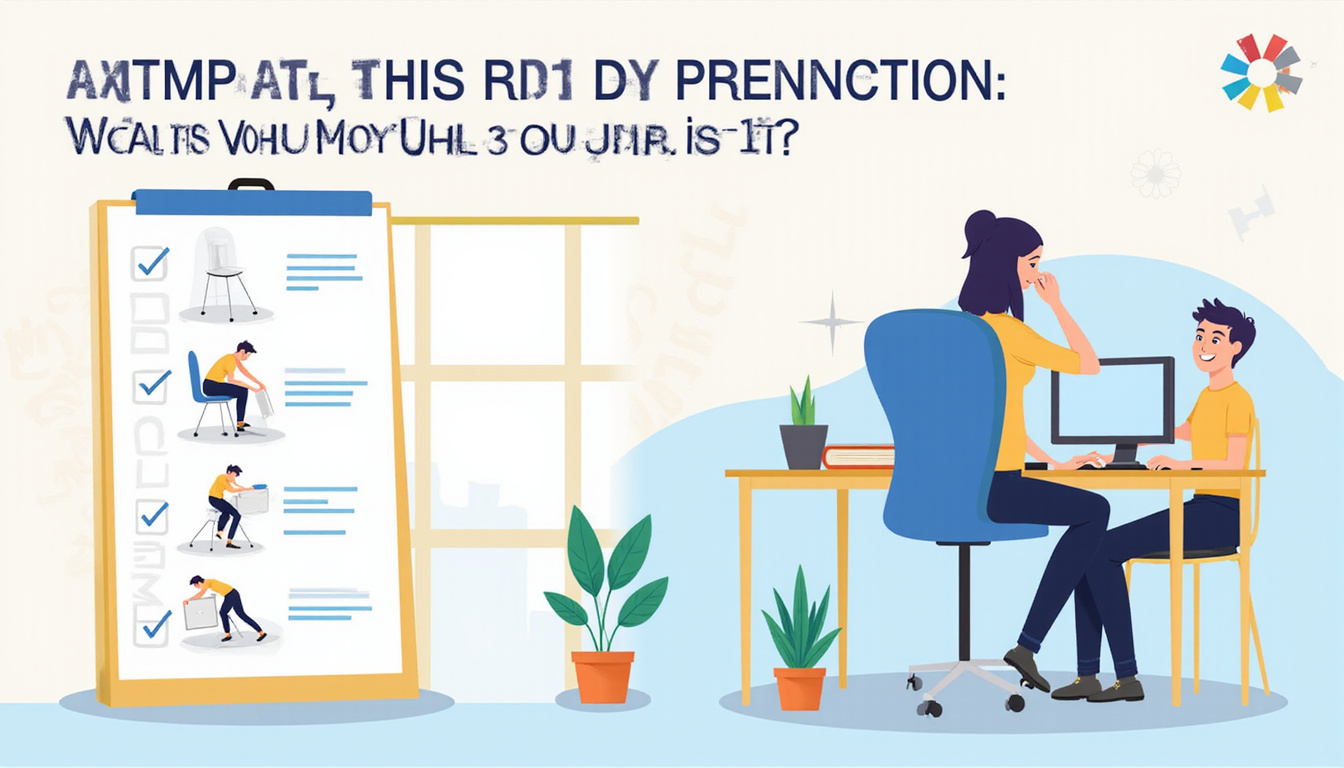
Quick ergonomic assessment checklist you can use today
Use this checklist to do a basic self-check of your workstation:
• Your head does not jut forward; your eyes are level with the top of the monitor.
• The monitor is about an arm’s length away and directly in front of you.
• Your shoulders stay relaxed—they are not constantly tensed or lifted.
• Your elbows are near your body at about 90 degrees.
• Your wrists remain straight—not bent up or resting on a hard edge.
• Your back is well supported with its natural lower curve.
• Your hips are level or slightly above your knees.
• Your feet rest flat on the floor or on a footrest.
• Your mouse sits next to your keyboard, so your arm is supported.
• You change your position or move at least every 30–60 minutes.
If you answer “no” to several points, your body may be overcompensating. This can lead to trouble, especially if you have old injuries, disc issues, or chronic pain.
FAQ: Ergonomic assessment in Singapore
1. How do I know if I need a workplace ergonomic evaluation?
If your neck, back, shoulder, or wrist pain grows worse on workdays and eases on weekends or holidays, it is a sign. Numbness, tingling, or weakness during or after work also warn of issues. An ergonomic check pinpoints your triggers so you do not just guess.
2. Can ergonomic assessments really reduce my chronic office neck and back pain?
They can lower the daily strain on your joints when paired with the right diagnosis, treatment, and exercise. Ergonomics alone will not “cure” issues such as disc bulges or arthritis. However, they can cut down flare-ups, stiffness, and fatigue while supporting recovery. (Source: HSE – Work-related MSDs)
3. What happens during an ergonomic assessment at a physiotherapy clinic?
At a clinic like The Pain Relief Practice, you may get:
• A detailed history of your pain, work tasks, and past injuries.
• An assessment of your posture, joints, and movements.
• A review of your usual workstation (photos or video can help).
• Specific tips on monitor, chair, and tool placement.
• A short routine of stretches and strengthening exercises for your problem areas.
You leave with a clear idea of what causes your pain and a practical plan to help it.
For many in Singapore who feel that their joints and muscles are not what they once were, an ergonomic assessment is one of the smartest, most cost-effective steps. It protects your body, prevents costly injuries, and helps you keep doing what you enjoy.
To see reviews, location, and contact details, view our Google profile:
https://share.google/UwMU2I9zUCwXVh0Lg
We are a specialized physio treatment center for savvy people who want real results.
While we are not suitable for someone looking for ‘cheap physiotherapy’ or ‘free exercises available on youtube’, our treatments are affordable and are often claimable with company flexi-benefits, company health insurance, travel insurance, personal accident insurance, and other insurance plans.
Simply whatsapp or call: +65 97821601 and let us know how to help.
If you prefer a convenient nutritional preventive option, Regenerix Gold is our top recommended joint supplement.
We have been recommending this joint supplement for over a decade.
Simply start with 3 capsules, once a day.
If you do not feel better within a week, increase to 2 capsules, twice a day. (4 capsules a day in total)
Our blog readers qualify for a special discount.
Simply use the link below and a discount will automatically be applied during checkout.

 PROVIDING FAST, EASY & INSURANCE CLAIMABLE PAIN RECOVERY SINCE 2007